

Mobile video editing has transformed the way we create audiovisual content, and apps like LightCut have gained popularity due to their advanced features and ease of use. However, it’s always helpful to know what other tools are available and what advantages they offer.
In this article, we’ll explore various alternatives to LightCut, highlighting how each compares in terms of ease, features, and options for different needs, from beginners to advanced content creators.
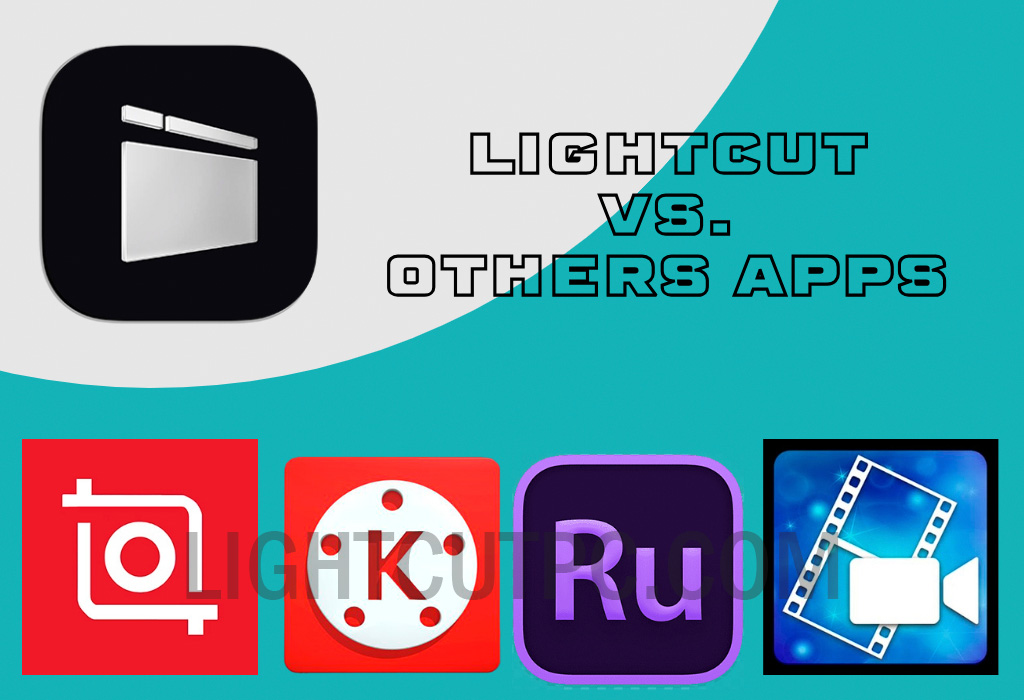
This way, you’ll be able to evaluate which is the best option for you, with LightCut standing out as a clear favourite for its balance between power and simplicity.
What alternatives to LightCut exist in mobile video editing?
In the world of mobile video editing, there are multiple apps competing to be the best.
Below, we’ll examine some standout alternatives, explaining how they differ and what their strengths and weaknesses are compared to LightCut.
1. InShot
InShot is a very popular video editing app due to its intuitive interface and versatile editing tools. This app is ideal for those looking to make quick and eye-catching edits without spending much time learning complex functions.

Its notable features include visual effects, filters, and options to adjust video speed.
Advantages of InShot: One of InShot’s strengths is its ease in creating videos tailored to social media, like Instagram or TikTok, where vertical and horizontal formats can be switched easily. Additionally, it has a built-in music library and sound effects to personalise your projects.
Comparison with LightCut: While InShot is great for quick edits, LightCut stands out for more detailed and professional video editing. LightCut has more advanced transitions and colour adjustment options, allowing for greater creativity without compromising quality.
2. KineMaster
KineMaster is a very comprehensive video editing tool, offering a wide range of advanced features and effects. This app is perfect for users looking for semi-professional video editing and who are willing to explore various customisation options.

Its features include multiple layers, speed control, animation effects, and the ability to adjust each element’s opacity.
Advantages of KineMaster: Its multiple-layer functionality is essential for creating complex and detailed projects. Additionally, KineMaster has a resource store where you can purchase additional effects, transitions, and fonts to customise your videos.
Comparison with LightCut: While KineMaster offers more technical editing, LightCut stands out for its ease of use and more user-friendly interface. LightCut also provides advanced features but with a much lower learning curve, making it accessible to all audiences without sacrificing professional quality.
3. Adobe Premiere Rush
Adobe Premiere Rush is an app backed by the renowned Adobe brand, ensuring quality and precision in its editing tools.
This app is aimed at both beginners and more advanced users who want to make detailed edits to their videos, with cloud synchronisation so you can edit from multiple devices.
Advantages of Adobe Premiere Rush: In addition to its integration with other Adobe products, this app allows for real-time editing, adding animated graphics, and professional lighting adjustments. It also offers direct integration with Adobe Stock and Adobe Fonts, expanding creative options.
Comparison with LightCut: While Premiere Rush is a powerful tool, LightCut stands out for its practicality and accessibility for the average user. LightCut allows for equally attractive results without the need for an expensive subscription or advanced video editing knowledge.
4. PowerDirector
PowerDirector is another app that has gained popularity due to its advanced capabilities and flexibility in video editing.

This application enables high-quality editing, including special effects, speed control, and stabilisation tools, making it ideal for dynamic projects or complex recordings.
Advantages of PowerDirector: The app has a clean and organised interface, along with special effects typically only found in desktop video editors. The ability to export videos in high resolution and the option to stabilise videos in real-time are also notable features.
Comparison with LightCut: While PowerDirector offers powerful features, LightCut is a lighter and simpler option, designed to provide an intuitive user experience without losing the ability to make quality edits. LightCut also offers stabilisation and video adjustment options, but its interface facilitates a faster workflow, which is crucial for users with limited time or experience.
Why choose LightCut over other apps?
While the alternatives mentioned offer useful features, LightCut stands out for its focus on simplicity without compromising edit quality. Its intuitive design allows users to make the most of advanced features, such as automatic transitions and detailed colour adjustments, without requiring prior video editing knowledge.
Additionally, LightCut optimises the mobile editing experience by allowing smooth edits and adding special effects in just a few steps. This makes LightCut a highly attractive option, especially for those looking to create professional-quality videos quickly and efficiently.
Unique features of LightCut that make a difference
LightCut not only has standard editing tools but also offers specific features that set it apart from other video apps.
These features allow LightCut to stand out as one of the most complete and easy-to-use options on mobile devices.
1. Automatic transitions
One of LightCut’s standout features is its ability to add automatic transitions. This function creates smooth transitions between clips without the need for manual adjustments, ideal for beginners or those looking for quick editing.
2. Detailed colour adjustments
LightCut enables precise and advanced colour adjustments, something usually only available in professional editing applications. This functionality allows each video to stand out, enhancing image quality and customising the tone to match the desired style.
3. Fast high-quality export
An additional advantage of LightCut is its ability to export high-quality videos without sacrificing processing time. This option makes it easy to share content on social media or send it to other platforms without losing resolution.
Although there are various alternatives to LightCut offering advanced features and a wide range of options for video editing, LightCut stands out as one of the most balanced tools for users seeking quality, ease of use, and professional results in their edits.
With a user-friendly interface and advanced features, LightCut remains one of the most recommended options for those wanting to simplify their editing experience without compromising quality.
Leave a Reply